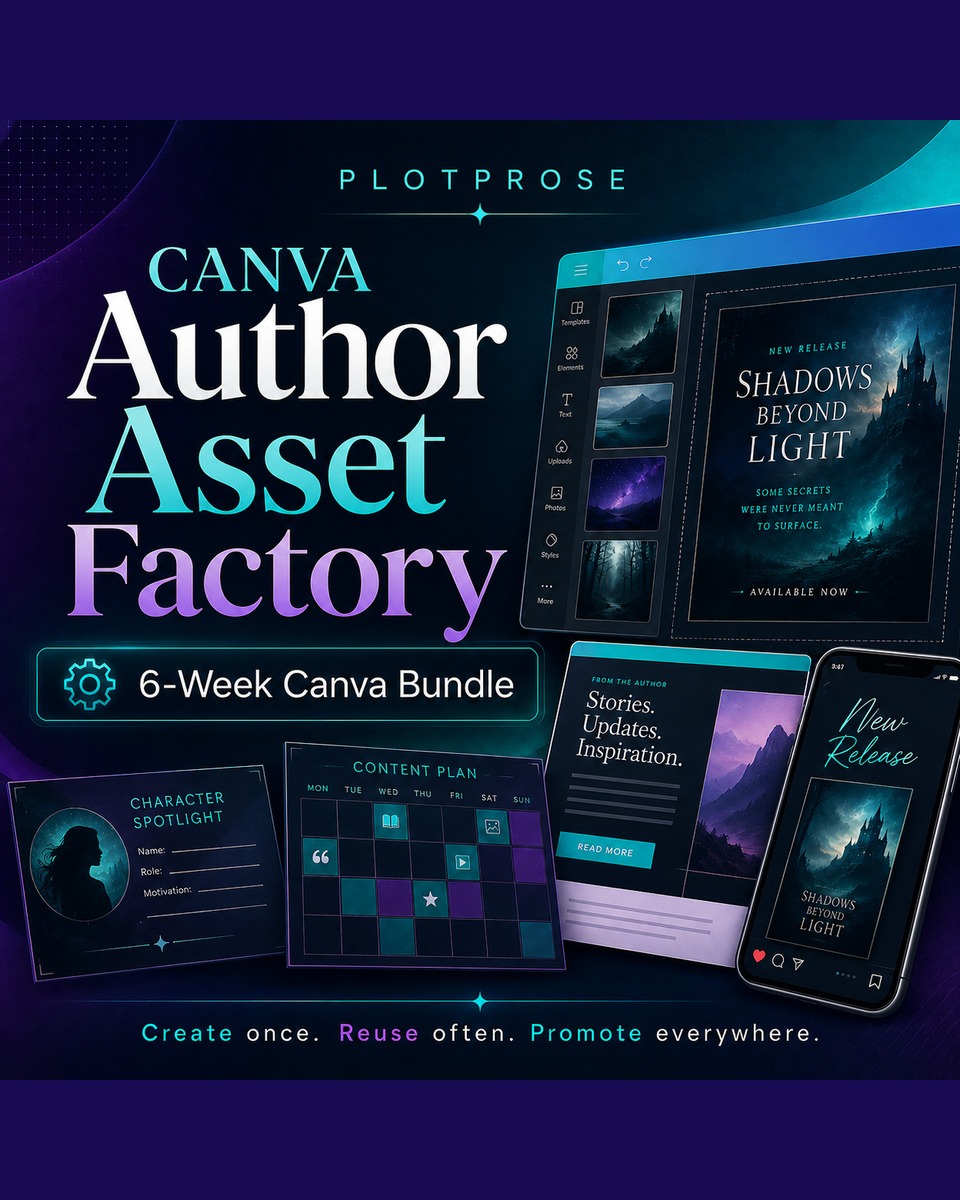
Canva Author Asset Factory
6 Week Class Bundle
Canva at Scale: Social Media & Newsletter Asset Production
Live Bundle • $720 • Every Monday from 18 May – 15 June • 5pm PST
(All advertised USD prices are billed in ZAR through our South African payment gateway.)
Create branded content faster, cleaner, and with way less design chaos.
If you are tired of opening Canva, staring at a blank screen, tweaking one graphic for forty-five minutes, and still feeling behind on your content… this 6-week bundle is for you.
Canva at Scale is a practical production-focused course for authors, content creators, solopreneurs, and small business owners who need to create social media and newsletter graphics consistently — without reinventing the wheel every week.
This is not a random Canva tips class. This is a full 6-week production system.
You will learn how to set up your Canva workspace, build a strong visual identity, create reusable templates, resize content across platforms, use Bulk Create, and produce newsletter-ready graphics that look professional and stay on brand.
By the end of the bundle, you will have a working Canva content system you can return to every week.
This bundle is for you if:
✓
You create regular content for your author brand, business, newsletter, community, or social media.
✓
You want your graphics to look more polished and consistent.
✓
You are tired of designing from scratch every time.
✓
You need a repeatable workflow for weekly posts, promos, launches, newsletters, classes, books, and content updates.
✓
You want to produce more without sacrificing your brand quality.
✓
You do not need to be a designer. You just need a system.
What you will learn over 6 weeks
This is a live, interactive 6-week bundle — Coral teaches in real time, demos the tools live, and answers your questions as they come.
Week 1: Canva Foundations & Workspace Setup
Before you make more graphics, we are going to fix the chaos.
You will learn how to organize your Canva account properly so you can actually find your designs, templates, brand assets, and finished graphics when you need them.
We will cover:
✓
Canva workspace navigation
✓
Projects, folders, designs, and templates
✓
How to organize content by platform
✓
Naming conventions that save future-you from rage searching
✓
Uploading logos, photos, brand graphics, and existing assets
✓
Building a simple structure that can scale with your business
By the end of Week 1, your Canva workspace will be set up like a proper content production hub, not a messy junk drawer.
Week 2: Brand Kit & Visual Identity
This is where your content starts looking like it belongs to the same brand.
You will build a practical Brand Kit that keeps your visuals consistent across social posts, newsletter banners, course graphics, book promos, launches, and community posts.
We will cover:
✓
Primary, secondary, and accent colors
✓
How to choose colors that work on light and dark backgrounds
✓
Font pairing for readability and brand personality
✓
Logo versions and when to use them
✓
The 60-30-10 color rule
✓
How to test your brand look across multiple asset types
✓
Creating a brand reference board inside Canva
By the end of Week 2, you will have a usable Brand Kit and visual reference system you can use every time you create content.
Week 3: Designing Assets Across Platforms
One message does not fit every platform the same way.
In this week, you will learn how to adapt one piece of content across Instagram, Facebook, Pinterest, newsletters, and community spaces — without just resizing and hoping for the best.
We will cover:
✓
Instagram feed posts, Stories, Reels covers, and carousels
✓
Facebook feed posts, group banners, and event graphics
✓
Pinterest pins that work as search-driven visuals
✓
Newsletter headers, promo blocks, and footer graphics
✓
Mobile-readability checks
✓
What breaks when you resize too casually
✓
How to keep one campaign visually connected across platforms
By the end of Week 3, you will know how to create platform-specific graphics that still feel like one cohesive brand campaign.
Week 4: Templates, Master Designs & The Resize Workflow
This is the week you stop designing from scratch.
You will learn how to build reusable Canva templates that make content creation faster every single week.
We will cover:
✓
What makes a good master template
✓
Locked elements, editable zones, and swappable image frames
✓
Building reusable quote posts, promo posts, announcement posts, and book/product features
✓
How to use Magic Resize properly
✓
What to check after resizing
✓
Fixing text overflow, cropped images, and wonky layouts
✓
Organizing templates for fast reuse
By the end of Week 4, you will have a small template library you can use again and again.
Week 5: Bulk Create & Weekly Production Workflows
This is where Canva becomes a content machine.
You will learn how to use Canva’s Bulk Create tools to generate multiple assets from a spreadsheet instead of manually building every single post.
We will cover:
✓
Creating a CSV or Google Sheet for your content
✓
Mapping text and image fields into a Canva template
✓
Generating 20–50 graphics in one production pass
✓
Quality-checking your output quickly
✓
Sorting graphics into publish-ready and needs-cleanup folders
✓
When Bulk Create is perfect and when it is not worth using
✓
How to batch one week or one month of content efficiently
By the end of Week 5, you will have built a real bulk content workflow you can reuse for launches, newsletters, books, classes, promos, and social media.
Week 6: Newsletter Graphics & Final Content System
Newsletter graphics have different rules from social media graphics.
This week focuses on creating graphics that look good inside email platforms, load properly, support the message, and do not wreck the reader experience.
We will cover:
✓
Safe widths for email content
✓
Export settings for better loading
✓
Linking Canva graphics inside newsletters
✓
Designing for readers who may have images blocked
✓
Creating a reusable newsletter banner library
You will also complete your final production system: one full week of content using your own brand, templates, and workflow.
By the end of Week 6, you will have a complete Canva content production system that supports your social media and newsletter marketing.
What is included
✦
6 live weekly Canva classes
✦
Practical weekly homework
✦
Canva workspace setup guidance
✦
Brand Kit setup process
✦
Platform dimensions cheat sheet
✦
Weekly production checklist
✦
Bulk Create spreadsheet template
✦
Starter content planning framework
✦
Newsletter graphics workflow
✦
Final content production project
Important note
This is a 6-week bundled course. The classes are designed to build on each other, so they are not available as individual single-class purchases. Each week assumes the setup, skills, and workflow from the previous week.
You are not buying one Canva class. You are building a Canva production system.
Ready to stop designing everything from scratch?
Join Canva at Scale and build the content system your author brand, business, or creative platform actually needs.
Reserve your place now and spend the next 6 weeks turning Canva into one of the most useful tools in your business.
$720
6-week live bundle • Every Monday from 18 May – 15 June • 5pm PST