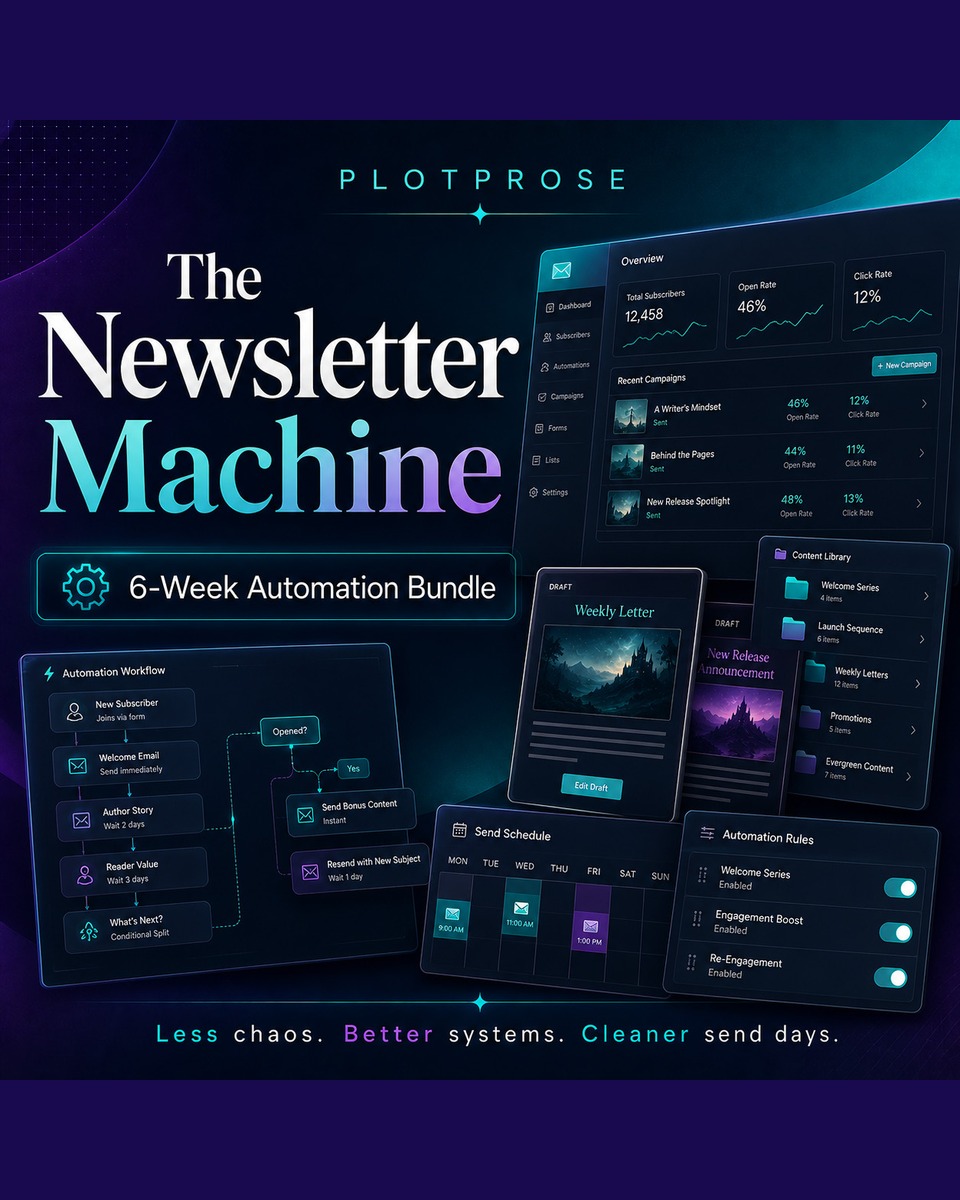
The Newsletter Machine
6 Week Class Bundle
Build Your Automated Author Newsletter System
Live Bundle • $720 • Every Thursday from 21 May – 18 June • 5pm PST
(All advertised USD prices are billed in ZAR through our South African payment gateway.)
Turn your newsletter process into a repeatable, organized, AI-supported production system.
Your newsletter should not feel like a last-minute panic every week.
It should not require digging through spreadsheets, copying and pasting from five different files, manually assembling sections, checking links, formatting drafts, and hoping nothing broke along the way.
The Newsletter Machine is a 6-week implementation bundle where you will build a practical newsletter automation system using Claude Cowork, Skills, structured folders, configuration files, and Mail Subscription Service integration.
This is not a fluffy “newsletter strategy” class. This is a build-it-with-me system class.
Over 6 weeks, you will organize your newsletter workshop, build your newsletter assembly robot, connect it to Mail Subscription Service, schedule your workflow, learn how to operate and troubleshoot it, and finish with a working newsletter factory you understand and can actually use.
This bundle is for you if:
✓
You send regular author newsletters.
✓
You manage multiple pen names, lists, books, launches, promos, or content streams.
✓
You are already using AI tools and want to move beyond basic prompting.
✓
You want your newsletter process to be cleaner, faster, and less dependent on memory.
✓
You want to build practical automation without losing control of the final review.
✓
You are interested in Claude Cowork, Skills, MCP-style workflows, and AI-assisted business systems.
✓
You want a system that still keeps you in charge before anything goes to readers.
What this bundle will help you do
By the end of the 6 weeks, you will understand how to build and operate a newsletter workflow that can:
✓
Pull from your structured newsletter inputs
✓
Use Skills to complete repeatable newsletter tasks
✓
Assemble newsletter sections into a finished draft
✓
Connect with Mail Subscription Service
✓
Upload a newsletter draft for review
✓
Follow a repeatable production schedule
✓
Help you spot and fix problems before send day
✓
Reduce manual newsletter chaos
This is about building a system you can trust, not handing your business to a robot and hoping for the best.
What you will learn over 6 weeks
This is a live, interactive 6-week build — Coral implements alongside you in real time, demos the tools live, and answers your questions as they come.
Week 1: Organize Your Newsletter Workshop
Before we automate anything, we build the workshop.
In Week 1, you will set up the folder structure, files, and organization system that your newsletter factory will depend on.
We will cover:
✓
Creating a scalable folder structure
✓
Organizing assets by pen name, list, campaign, or newsletter type
✓
Setting up a clean home for your newsletter files
✓
Understanding what your Skills need as inputs
✓
Reading and modifying an existing Skill
✓
Updating a Skill without breaking it
✓
Creating a structure that can grow with your business
By the end of Week 1, your newsletter system will have a proper foundation. No more scattered files. No more mystery drafts. No more “where did I put that?” chaos.
Week 2: Build Your Newsletter Assembly Robot
This is the heart of the system.
In Week 2, you will build the coordinator Skill that gathers the pieces, checks the instructions, calls the right supporting Skills, and assembles your newsletter.
We will cover:
✓
What a coordinator Skill is
✓
How a master Skill works with other Skills
✓
Using a config file to tell the system what to build
✓
Structuring newsletter inputs and outputs
✓
Calling other Skills in the correct order
✓
Pulling from manually maintained spreadsheets
✓
Handling missing information
✓
Creating a finished newsletter draft on your desktop
By the end of Week 2, you will have a single command that can assemble a newsletter draft from your prepared inputs and supporting Skills.
Week 3: Connect Your Robot to Mail Subscription Service
A newsletter sitting on your desktop is useful. A newsletter waiting in Mail Subscription Service for review is better.
In Week 3, you will learn how to connect your newsletter assembly workflow to Mail Subscription Service so your system can upload the finished draft into your email platform.
We will cover:
✓
The difference between calling a Skill and calling an external service
✓
Why external service connections need extra care
✓
Connecting your workflow to Mail Subscription Service
✓
Uploading a newsletter as a draft broadcast
✓
Checking formatting before send day
✓
Reviewing before publishing
✓
What to do when the connection fails
By the end of Week 3, your system will be able to move from draft assembly to Mail Subscription Service draft creation.
You still review everything. The robot does the heavy lifting.
Week 4: Schedule Your Newsletter Factory
A system you have to remember to run is helpful. A system that runs on a schedule is where things get powerful.
In Week 4, you will design the schedule and production logic for your newsletter factory.
We will cover:
✓
What must be ready before a newsletter can assemble
✓
When source data needs to be updated
✓
How to create a reliable send-week workflow
✓
Scheduling your newsletter assembly process
✓
Planning around launch weeks, promo weeks, and regular updates
✓
Making sure your draft is ready before review time
✓
Building a workflow that supports consistency
By the end of Week 4, you will have a newsletter production schedule that tells your system when to run and tells you what needs to be ready before it does.
Week 5: Operate Your Newsletter Factory Like a Pro
Every system breaks eventually. The difference between an automation you keep using and one you abandon is whether you know how to operate it.
In Week 5, you will learn how to read your system, catch problems, and recover when something goes wrong.
We will cover:
✓
How to check whether the system ran correctly
✓
How to read outputs and error messages
✓
What to do when data is missing
✓
What to do when a website, file, or external service fails
✓
How to verify the Mail Subscription Service draft
✓
How to protect subscribers from broken links or bad drafts
✓
Operator habits that make automation safer
By the end of Week 5, you will understand your newsletter factory well enough to troubleshoot it instead of panicking when something hiccups.
Week 6: Final Build, Review & Newsletter Factory Stress Test
In the final week, you will pull the whole system together.
This is where we test the workflow, clean up weak points, and make sure you leave with a system you understand.
We will cover:
✓
Running your full newsletter workflow from start to finish
✓
Checking your folder structure
✓
Reviewing your config file
✓
Testing your assembly Skill
✓
Checking Mail Subscription Service draft creation
✓
Reviewing the finished newsletter
✓
Spotting weak points in the system
✓
Creating your personal newsletter operating checklist
By the end of Week 6, you will have a working Newsletter Factory and a clear process for using it again.
By the end of this bundle, you will have:
✓
A structured newsletter workspace
✓
A working newsletter assembly Skill
✓
A newsletter config process
✓
A repeatable production workflow
✓
A connection to Mail Subscription Service draft creation
✓
A review-before-send process
✓
A troubleshooting framework
✓
A newsletter system you can actually understand and operate
Important note
This is a 6-week bundled course. The classes are not sold individually because each session builds on the previous one. You will need the workshop setup before the assembly robot makes sense. You will need the assembly robot before the Mail Subscription Service connection works. You will need the workflow before scheduling and troubleshooting become useful.
This is a complete newsletter automation build. Not a collection of random classes.
Ready to stop rebuilding your newsletter from scratch every week?
Join The Newsletter Machine and spend the next 6 weeks building a cleaner, smarter, more reliable newsletter production system for your author business.
This is where your newsletter stops being another task on your list and starts becoming part of your publishing machine.
$720
6-week live bundle • Every Thursday from 21 May – 18 June • 5pm PST